Artificial intelligence is changing the way we interact with technology. From answering questions and researching information to managing everyday activities, AI assistants are becoming an important part of our daily lives.
Recently, I came across Instinct AI, an AI-powered personal assistant designed to work through familiar messaging platforms like WhatsApp. Unlike traditional AI tools that require users to visit a separate website or application, Instinct aims to bring an intelligent assistant directly into your everyday conversations.
I decided to try Instinct AI myself to understand how it works, how to register, and what makes it different from other AI assistants like ChatGPT, Gemini, and Claude.
In this article, I’m sharing my actual experience with Instinct AI, including its registration process, WhatsApp integration, initial conversations, waitlist experience, and my thoughts about its potential.
Table of Contents
What Is Instinct AI?
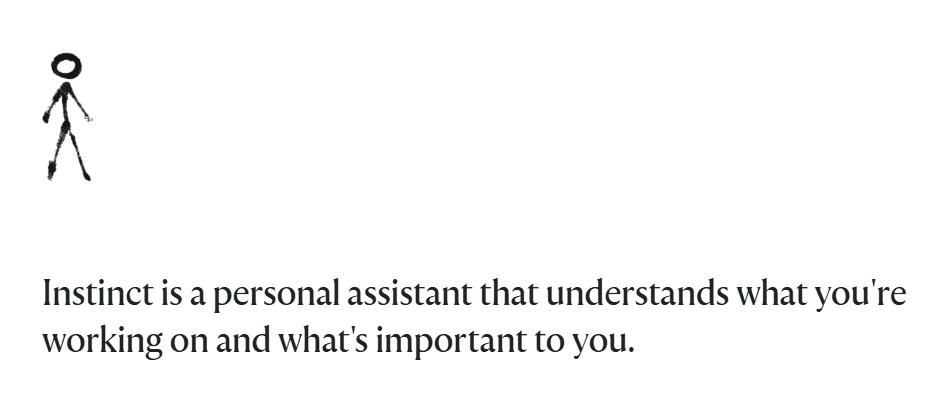
Instinct AI is an AI-powered personal assistant designed to understand your requirements, communicate conversationally, and help you accomplish everyday tasks.
Its main idea is simple: instead of opening different applications to perform different activities, you can communicate with your AI assistant through messaging platforms such as WhatsApp.
According to its website, Instinct aims to understand what you’re working on and what’s important to you. This makes it more than just a conventional question-and-answer chatbot.
You can think of it as a personal AI assistant that you communicate with naturally, just like messaging another person.
Its potential use cases include:
- Managing everyday tasks.
- Setting alarms and reminders.
- Sending messages.
- Booking tickets.
- Searching for information.
- Answering questions.
- Helping with personal and productivity-related activities.
However, some of these advanced capabilities are features I haven’t personally tested yet because my account is still on the waitlist.
How to Sign Up for Instinct AI?
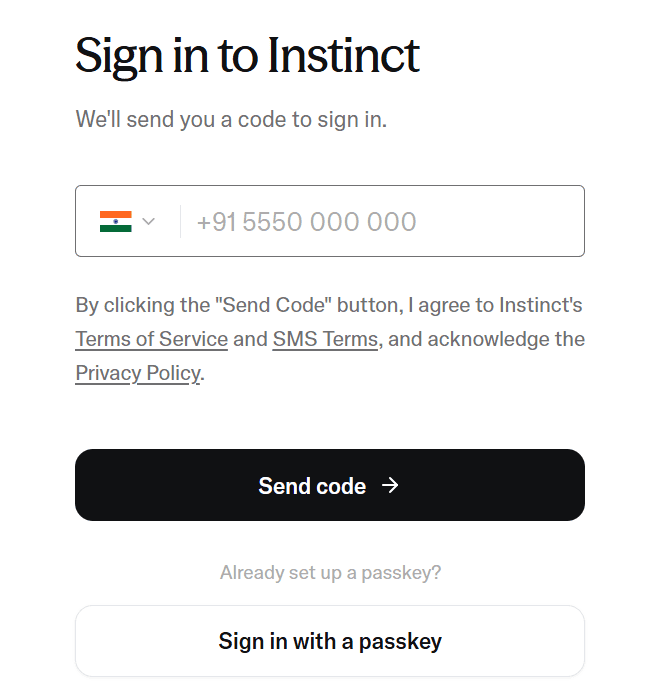
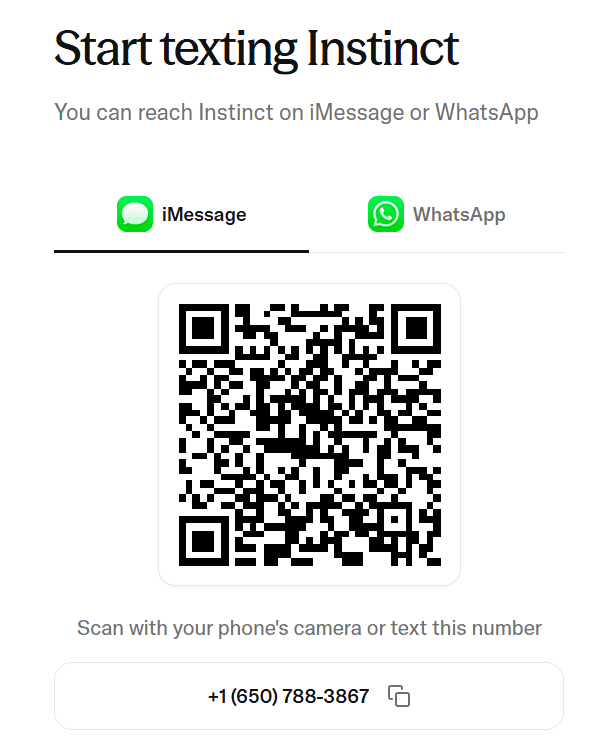
My first interaction with Instinct started through its official website.
The registration process was relatively simple and didn’t require me to download a separate application.
Here is how I registered.
Step 1: Visit the official website
First, I visited the Instinct website: https://instinct.com/
There, I found the option to start using Instinct through WhatsApp.
Step 2: Connect through WhatsApp
I selected the option to text on WhatsApp. It redirected me towards the WhatsApp conversation with Instinct.
Step 3: Register using your mobile number
After opening the registration page, I was asked to enter my mobile number.
I selected India as my country and entered my phone number.
Instinct also provided a passkey sign-in option for users who had already configured one.
Step 4: Complete the registration
After entering my number, I proceeded with the sign-in process.
The registration experience was straightforward and familiar, especially for people who regularly use WhatsApp.
My First Interaction With Instinct AI on WhatsApp:
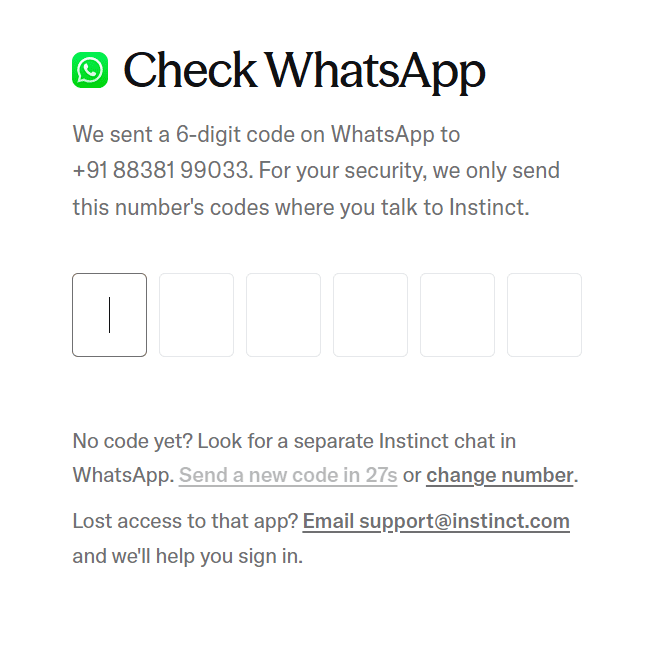
This was the interesting part of my experience.
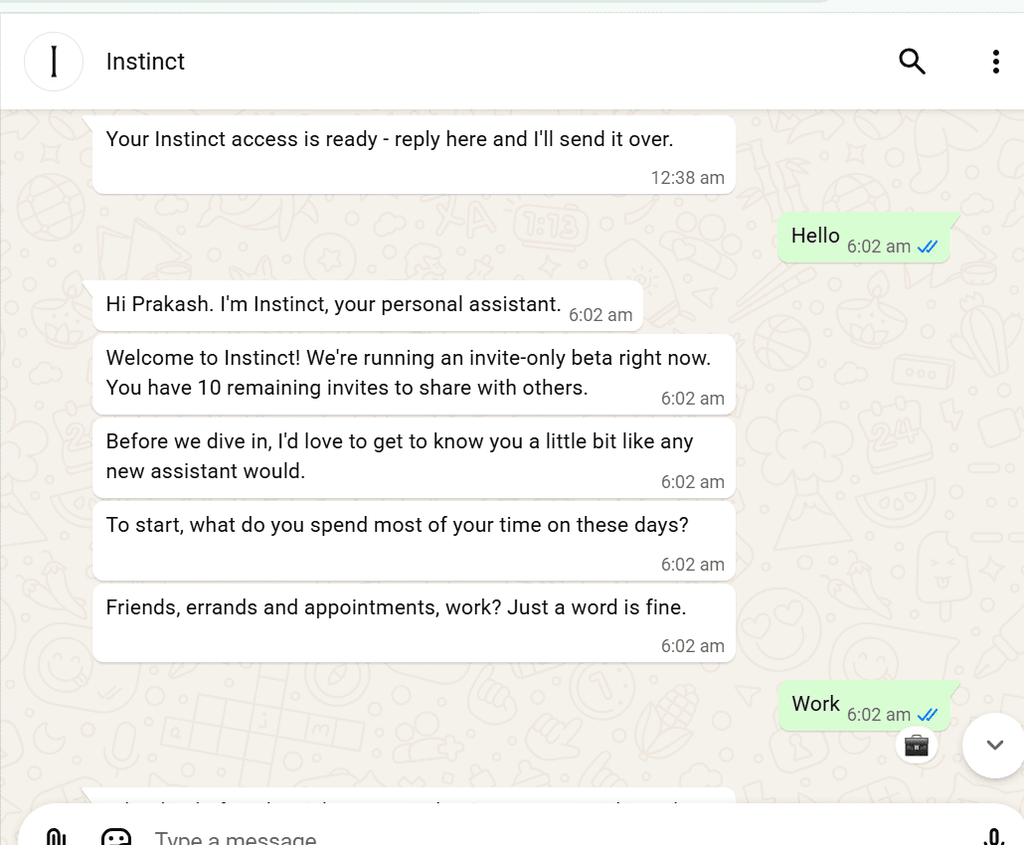
After completing the initial registration, I opened WhatsApp and started a conversation with Instinct.
I simply sent a greeting:
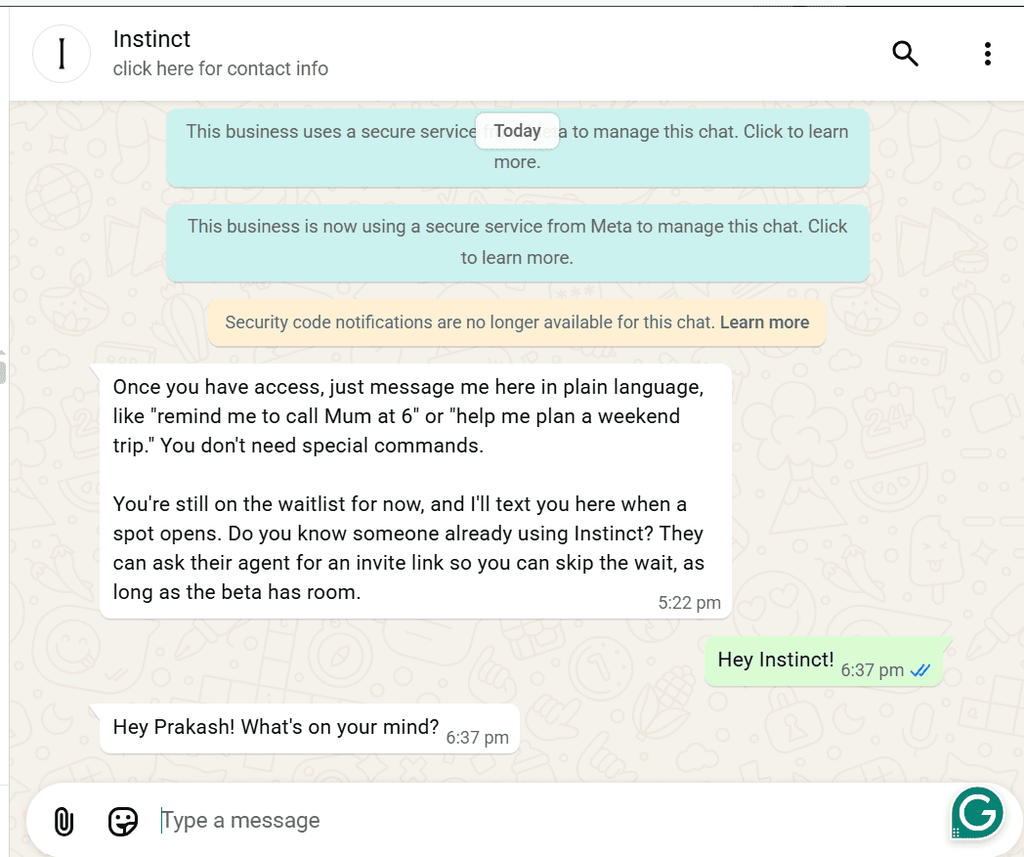
“Hey Instinct!”
I received a response welcoming me to the platform.
Interestingly, Instinct addressed me conversationally and explained that I was currently on its waitlist.
It also mentioned that the platform was working with a selected group of users while expanding its computing capacity and reliability.
According to the message, I would receive a WhatsApp notification when a spot became available.
This was my first indication that Instinct was still gradually expanding access rather than offering unrestricted access to everyone.
Instinct AI Waitlist: How to Get Access Faster?
One important thing I discovered during registration was that creating an account didn’t automatically provide full access.
After contacting Instinct, I received a message explaining that I had been placed on the waitlist.
However, there was another interesting option.
Instinct mentioned that an “existing approved user could send me an invitation link“.
According to its WhatsApp message, this is one way to skip the regular waitlist.
The process works like this:
- Find someone who already has access to Instinct.
- Ask them for an invitation link.
- Open the invitation link.
- Sign in using the same mobile number associated with your registration.
- Access may be granted if the beta programme has available capacity.
My observation: Instinct is using a gradual access system, which means not everyone who registers will immediately receive full access.
I haven’t received full approval yet, so I cannot confirm how quickly the invitation process works in every case.
How Does Instinct AI Work?
One thing I liked about Instinct is its conversational approach.
Rather than making users learn complicated commands or navigate multiple menus, the platform is designed around natural-language conversations.
You simply explain what you want, and the AI assistant attempts to understand your request.
For example, you might ask an AI assistant to:
- Set a reminder for an important task.
- Search for information about a particular topic.
- Help you manage your daily activities.
- Draft or send a message.
- Find information before making a decision.
The idea is to make everyday activities easier through a simple conversation.
This approach feels familiar to anyone who has used ChatGPT or other conversational AI platforms.
My Experience: Asking Instinct About My Blog
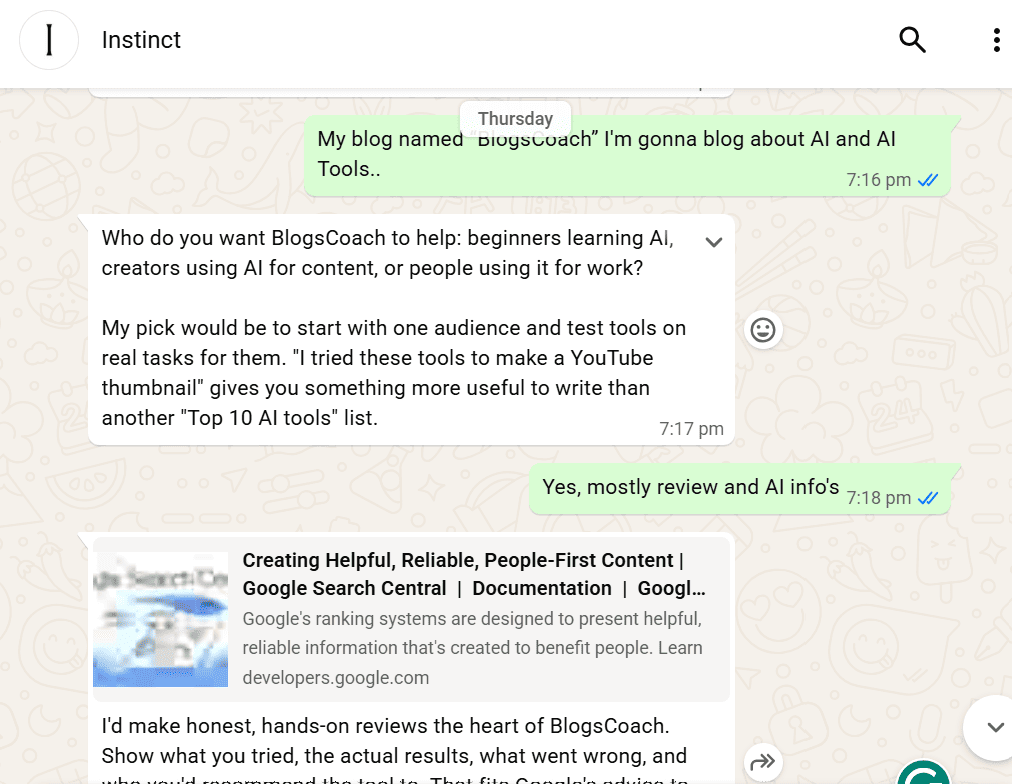
I also tried asking Instinct about my blog to understand how it handles information-related questions.
My blog, BlogsCoach, covers topics related to AI tools, technology, business tools, and useful information.
When I asked about my blog, Instinct searched for information and returned a conversational response.
The experience reminded me of using ChatGPT, Google Gemini, or Claude.
What I found interesting was that it appeared to combine conversational AI with information gathered through search engines.
Instead of simply giving a short generic answer, it attempted to understand the question and provide relevant information.
This was one of the features that caught my attention during my initial testing.
However, I would like to explore its research accuracy, source quality, and ability to handle more complicated tasks after receiving full access.
Instinct AI vs ChatGPT: What’s the Difference?
At first glance, Instinct AI and ChatGPT may appear similar because both allow users to communicate with an AI assistant using natural language.
However, their approach and intended usage are somewhat different.
| Feature | Instinct AI | ChatGPT |
|---|---|---|
| Main purpose | Personal AI assistant | General-purpose AI assistant |
| Interaction | WhatsApp and supported messaging experiences | ChatGPT application and website |
| Conversational AI | Yes | Yes |
| Information search | Demonstrated in my initial test | Available |
| Daily task assistance | A key intended use case | Available through supported features and integrations |
| Registration | Mobile number | OpenAI account |
| Availability | Gradual access / waitlist | Publicly available with plan-based limits |
The biggest difference I noticed is Instinct’s focus on bringing an AI assistant into messaging platforms.
ChatGPT is already a powerful general-purpose AI platform, while Instinct appears to be positioning itself as an assistant that can help users manage everyday activities through conversations.
This doesn’t necessarily mean one is better than the other. They have different approaches to AI assistance.
What I Liked About Instinct AI?
Based on my initial experience, here are the things I found interesting.
1. Simple registration
I didn’t need to go through a complicated registration process. Using my mobile number made the initial setup straightforward.
2. WhatsApp integration
This is probably one of the most interesting aspects of Instinct.
Most people already use WhatsApp regularly. Having an AI assistant available through a familiar messaging platform could make interacting with AI more convenient.
3. Natural conversations
My initial conversation felt more like communicating with a personal assistant than interacting with a traditional chatbot.
4. Information searching
When I asked about my blog, Instinct searched for information and responded conversationally. This gave me an initial impression of its research capabilities.
5. Potential for everyday automation
The idea of managing reminders, messages, bookings, and other everyday activities through a single assistant is interesting.
If these capabilities work reliably, they could make Instinct useful beyond ordinary question-and-answer conversations.
Limitations I Experienced:
Although my first impression was positive, there are some limitations worth mentioning.
1. Full access is not immediately available
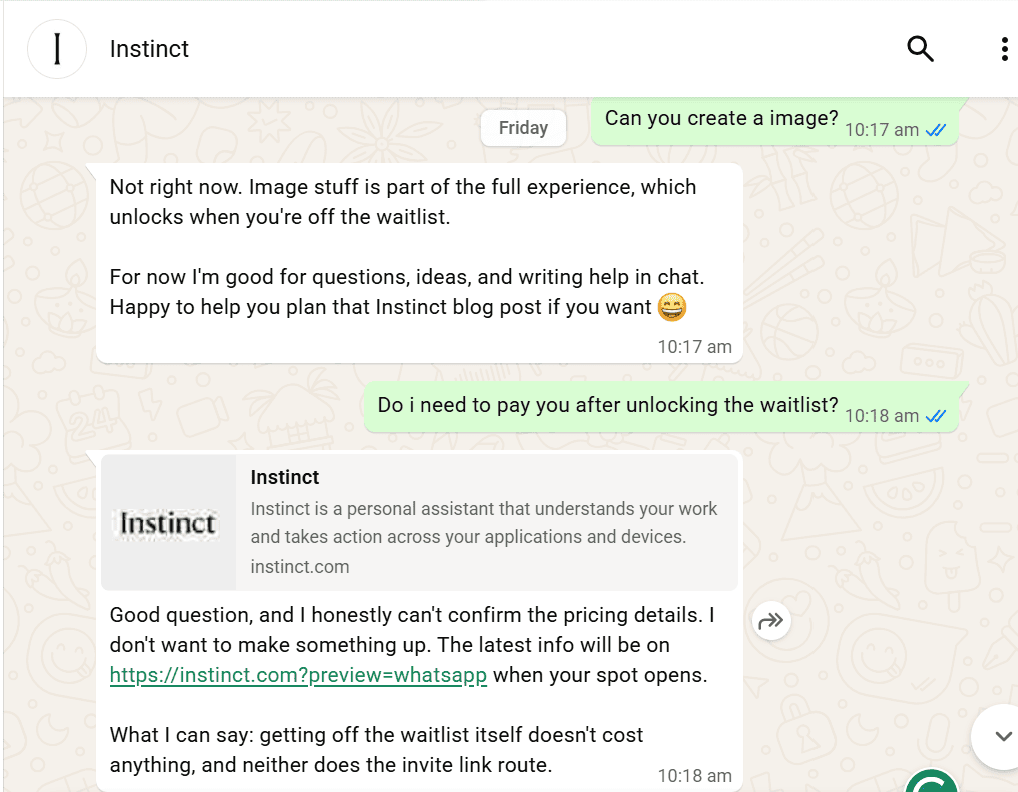
After registering, I was placed on the waitlist. Therefore, I couldn’t explore the complete range of features.
2. Advanced features are not yet tested
I haven’t personally tested its ability to set alarms, book tickets, send messages, or manage other daily activities.
These are potential use cases described by the platform, not features I can independently confirm from my experience.
3. Invitation availability
Getting faster access appears to depend on receiving an invitation from an existing approved user and available beta capacity.
4. More testing is needed
I need more time with the fully accessible version to evaluate its reliability, response quality, practical usefulness, and overall performance.
Is Instinct AI Worth Trying?
In my opinion, Instinct AI is an interesting AI assistant worth keeping an eye on.
What makes it interesting isn’t simply that it can answer questions. Several existing AI tools already do that.
Its main attraction is the idea of bringing a personal AI assistant into everyday messaging platforms and potentially allowing users to complete different activities through natural conversations.
Imagine asking your assistant to remind you about a meeting, help you find information, draft a message, or arrange a booking without constantly switching between different applications.
That is the kind of experience Instinct appears to be aiming for.
However, its actual usefulness will depend on how accurately and reliably it performs these tasks.
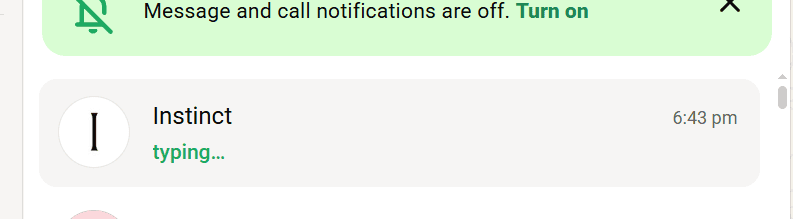
Since I’m still waiting for full access, I wouldn’t give a final verdict on its complete capabilities just yet.
Final Verdict: My First Impression of Instinct AI
After registering and trying Instinct through WhatsApp, “I would describe it as an interesting conversational AI personal assistant with a strong focus on everyday task assistance“.
The registration process was simple, the initial conversation felt natural, and its response to my question about BlogsCoach gave me an idea of its information-searching capabilities.
Personally, I find the concept interesting because it brings AI assistance closer to the messaging applications people already use.
However, I’m still on the waitlist, so my experience is limited to registration and initial interactions.
Once I receive full access, I plan to explore its advanced features, test its real-world task execution capabilities, and share an updated review based on actual usage.
Have you tried Instinct AI? If you already have access, share your experience in the comments. I’d be interested to know how well it performs when handling everyday tasks.
For now, this is my first-hand experience with Instinct AI.
(Disclaimer: This article is based on my personal experience with Instinct AI during its limited-access phase. Some features discussed are intended use cases and have not yet been independently tested by me. Availability and functionality may change as the platform develops.)
Read More:
SJinn AI Review
